




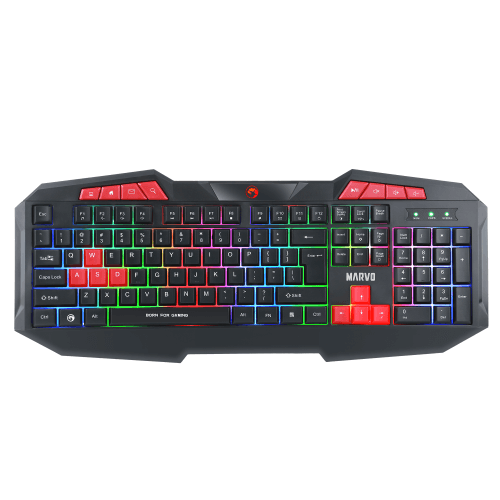
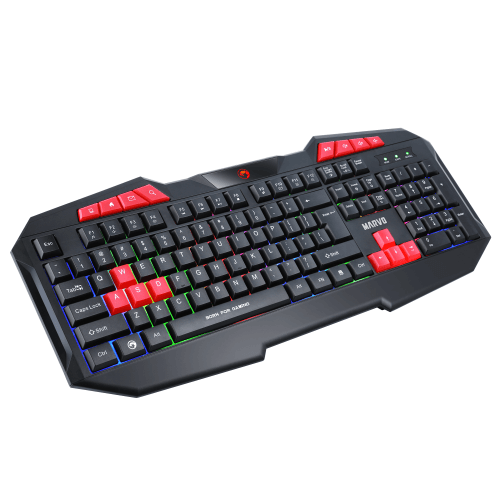
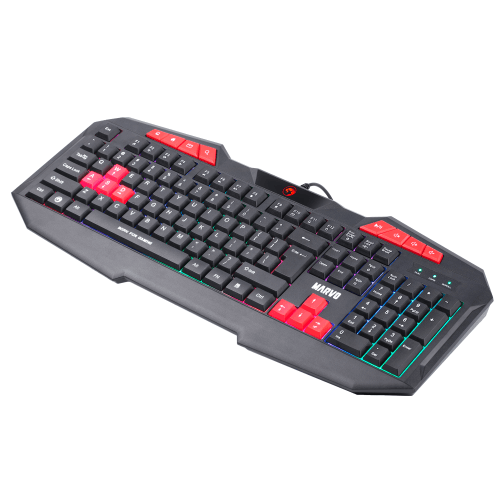
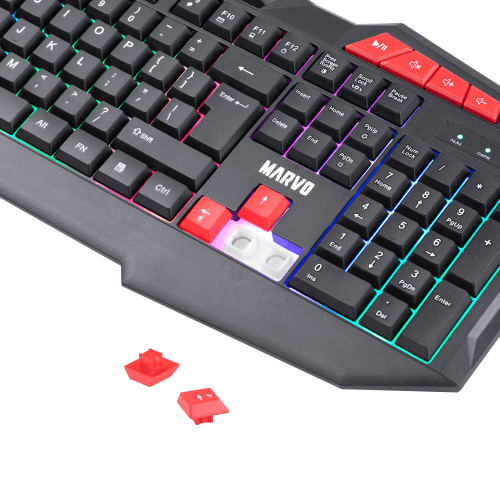
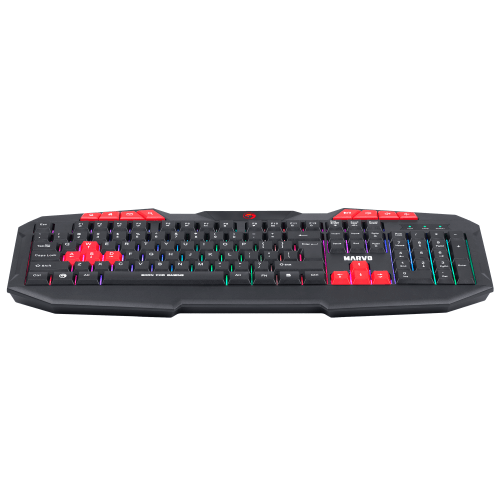
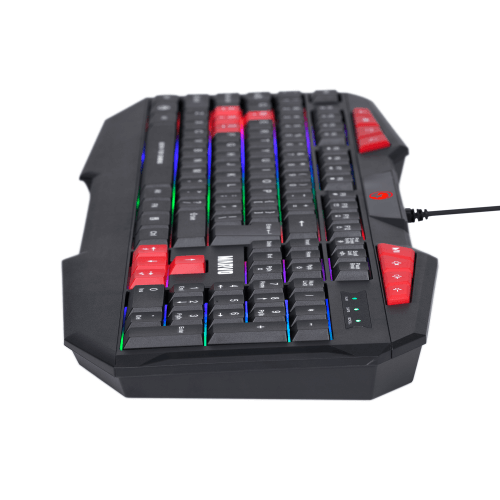
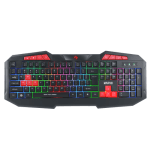
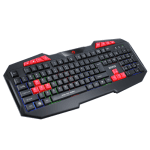
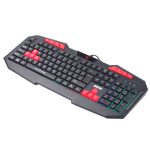
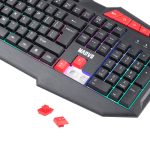
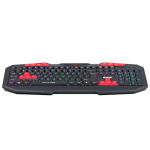
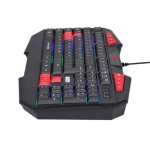
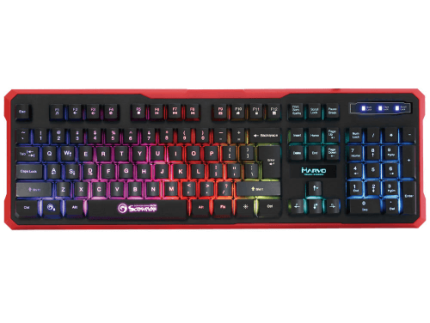
MARVO K602 KEYBOARD
රු 3,400
- Warranty – 06 Months
- Anti-ghosting: 26-key rollover support
- Gaming-optimized performance
- Multimedia buttons and RED gaming keycaps
- Rainbow backlight (steady and breath modes)
- Ergonomic design with wrist support

• SAFETY NOTES 1. Keep the equipment dry. Keep away from precipitation, humidity, all types of liquids and condensation. 2 Do not use the product with wet hands. 3. Do not use or store the equipment in dusty or dirty areas. 4. Do not store the equipment under high-temperature or low-tempera ture conditions (this may damage it). 5. Do not drop, knock or shake the equipment (use may result in breakage).
• INSTALLATION Connect the keyboard to an available USB port on your computer. If the keyboard is used for the first time walt approx. 15 seconds to install the generic driver. NOTE: The keyboard does not have a specialized driver and does not require one for proper operation and functionality.
• USE Configuring the keyboard and using the special functions is done by using the various key combinations detailed below. D.1 Multimedia and office functions FN+F1:open media player FN+F2: decrease audio volume FN+F3:increase audio volume FN+F4: mute FN+F5: previous track FN + F6: next track D2 Key lock functions FN+F11:enable/disable the Windows key D3 Backlight control functions FN+F6:next track FN+F7:play/pause FN+F8:stop FN+F9:open the Internet browser FN+F10:open the e-mail dient FN+F11:open my computer FN+F12: enable/disable the Windows Press the SCR key to change the backlight modes FN+PS: ON/OFF the backlight mode FN+W to make W/A/S/D achieve direction functions FN+PAGEUP: increase brightness FN+PAGEDOWN: decrease brightness
• TROUBLE SHOOTING In case of incorrect operation follow the steps below: Check the Integrity of the connectors Check the connection to the computer correctly Check the correctness of your computer settings Disconnect and reconnect the equipment restart the computer If the problem persists, please contact your local seller.
| Connection Type | WIRED |
|---|

Related products
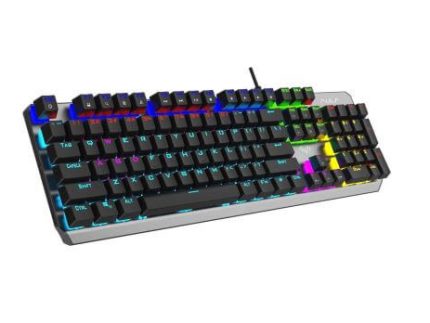
AULA MECHANICAL F2066 KEYBOARD
In stock
රු 7,800

JEDEL WS1000 Mini Wireless Keyboard
In stock
රු 2,800
MARVO K629G KEYBOARD
In stock
Original price was: රු 4,900.රු 4,400Current price is: රු 4,400.









































Reviews
There are no reviews yet.